
According to a survey by Gartner, 82% of company leaders plan to allow employees to work remotely at least part of the time, even after the pandemic. This pivotal shift highlights the necessity for robust remote collaboration tools to ensure seamless communication, project management, and team engagement across distributed workforces.
The right mix of online tools facilitates efficiency and fosters a sense of community among team members, crucial for sustaining productivity in a virtual environment. As businesses adapt to this new normal, selecting appropriate tools becomes critical in building a resilient and flexible work culture.
Therefore, we have reviewed 17 of the best remote collaboration tools suitable for various team sizes, project scopes, and work preferences. So, let’s begin!
17 Best Collaboration Tools For Remote Teams
| Collaboration Software | Key Features | Best For | Pricing | Rating |
|---|---|---|---|---|
| Tuple | One-click calls, Screen sharing, Low-latency remote control, Annotation capabilities, High-fidelity audio/video | Developers for remote pair programming | Free, Engineering Teams: $30/user/month, Enterprises: $10,000/year | 5/5 |
| Slack | Organized messaging through channels, Voice and video calls, Customizable notifications, Advanced search capabilities | Instant Messaging | Free, Pro: $7.25/month, Business: $12.50/month, Enterprise Grid | 4.7/5 |
| Loom | Video messaging, Screen recording, Integration with Slack, Trello, Password protection, Viewer engagement analytics | Asynchronous communication | Starter (free), Business: $12.50/user/month, Enterprise | 4.7/5 |
| Zoom | Video conferencing, Online whiteboards, Breakout rooms, AI-driven tools | Video conferencing | Basic (free), Pro: $149.90/year/user, Business: $219/year/user, Business Plus, Enterprise | 4.6/5 |
| Google Workspace | Collaborative editing in Docs, Sheets, and Slides, Integration with Okta, VMWare, Gmail, Google Chat, Video conferencing | Real-time collaboration | Free (for 14 days), Business Starter: $6/user/month, Business Standard: $12/user/month, Business Plus: $18/user/month, Enterprise | 4.6/5 |
| Zapier | Customizable workflows, Cross-platform connectivity, Activity dashboard, CRM, | Workflow Automation | Free, Starter: $19.99/month, Professional: $49/month, Team: $69/month, Company | 4.5/5 |
| Asana | Task management, Integration with 200+ apps, Customizable dashboards, Easy tracking of project progress | Creation of visual project plans | Personal: $0, Starter: $10.99/user/month, Advanced: $24.99/user/month, Enterprise, Enterprise Plus | 4.5/5 |
| Dropbox | Real-time collaborative editing, Integration with popular tools, Real-time syncing, Robust data protection, Secure transfer of files | Files and documents management | Plus: $9.99/month, Essential: $18/month, Business: $20/user/month, Business Plus: $26/user/month | 4.4/5 |
| ProProfs Project | Real-time tracking of progress, Gantt charts, shared calendars, Time tracking and invoicing, Smart reports | Time and progress tracking | Annual Plan: $39.97/month | 4.3/5 |
| Trello | Visual organization of work, Detailed task management, Integration with other tools, Scalable | Project management | Free, Standard Plan: $5/user/month, Premium Plan: $10/user/month, Enterprise Plan: $17.50/user/month | 3.8/5 |
| InVision | Animation and wireframing, Integration with Slack, Google Drive, Freehand online whiteboard, Parallax swiping | Design collaboration | Free, Starter: $15/month, Professional: $25/month, Team: $99/month | 3.7/5 |
| Basecamp | To-do lists, Automatic check-ins, Hill Charts, Built-in real-time chat | Comprehensive project management for small teams | Pro Unlimited: $299/month, Per User: $15/month | 3.6/5 |
| Monday.com | Task management, Gantt charts, Workflow automation, AI assistant | Cloud-based project management | Free, Basic Plan: $9/seat/month, Standard Plan: $12/seat/month, Pro Plan: $19/seat/month, Enterprise Plan | 3.4/5 |
| ClickUp | Customizable work environment, Nested subtasks and checklists, Integration with Slack and Google Drive, Workload and Box View | All-in-one work management | Free, Unlimited: $7/member/month, Business: $12/member/month, Enterprise | 3.3/5 |
| Notion | Centralized workspace for notes, documents, projects, Integration with calendar apps, Kanban boards, Agile workflows | Organization of project details | Free, Plus: $8/user/month, Business: $15/user/month, Enterprise | 3.1/5 |
| Figma | Real-time editing and commenting, Developer and stakeholder collaboration, Observation mode, Concept mapping | Prototyping | Starter: Free, Professional: $12/month, Organization: $45/month, Enterprise: $75/month | 3.1/5 |
| Mio | Interoperability among messaging apps, Group chats, Channel synchronization, File sharing with enterprise-grade security | Communication across different platforms | Free, Flex: $5/member/month, Pro: $1k/member/month Enterprise | N/A |
1. Tuple
Ratings: 5/5
Pricing: Free, Engineering Teams ($30/user/month), and Enterprises ($10,000/year)
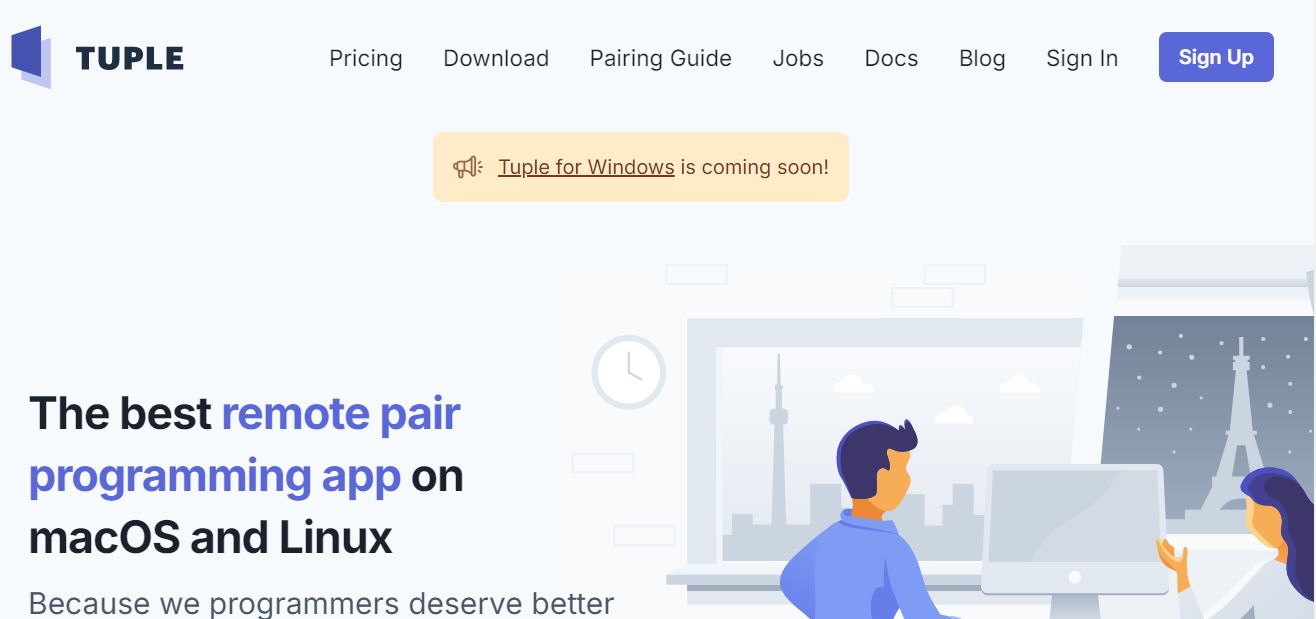
Tuple is a remote pair programming tool designed for developers, offering an efficient collaboration experience on macOS and Linux platforms. It features one-click calls for easy initiation of pair programming sessions, crystal-clear screen sharing, and low-latency remote control for a smooth coding experience. The tool also includes annotation capabilities for more interactive discussions.
Tuple’s user interface is minimal, which helps keep the focus on coding without unnecessary distractions. Moreover, it supports high-fidelity audio and video streaming, ensuring that even the most minor text is readable. The application is lightweight and consumes fewer device resources compared to similar apps. It even supports full-time mouse and keyboard control for all parties involved in the session.
Pros
-
Support for multiple monitors
-
Sessions are end-to-end encrypted
-
Integrates popular development tools and IDEs
-
Requires no coding or complex configuration to get started
Cons
-
Requires high-speed internet
-
Not available for Windows users
2. Slack
Ratings: 4.7/5
Pricing: Free Plan, Pro ($7.25/month), Business ($12.50/month), and Enterprise Grid
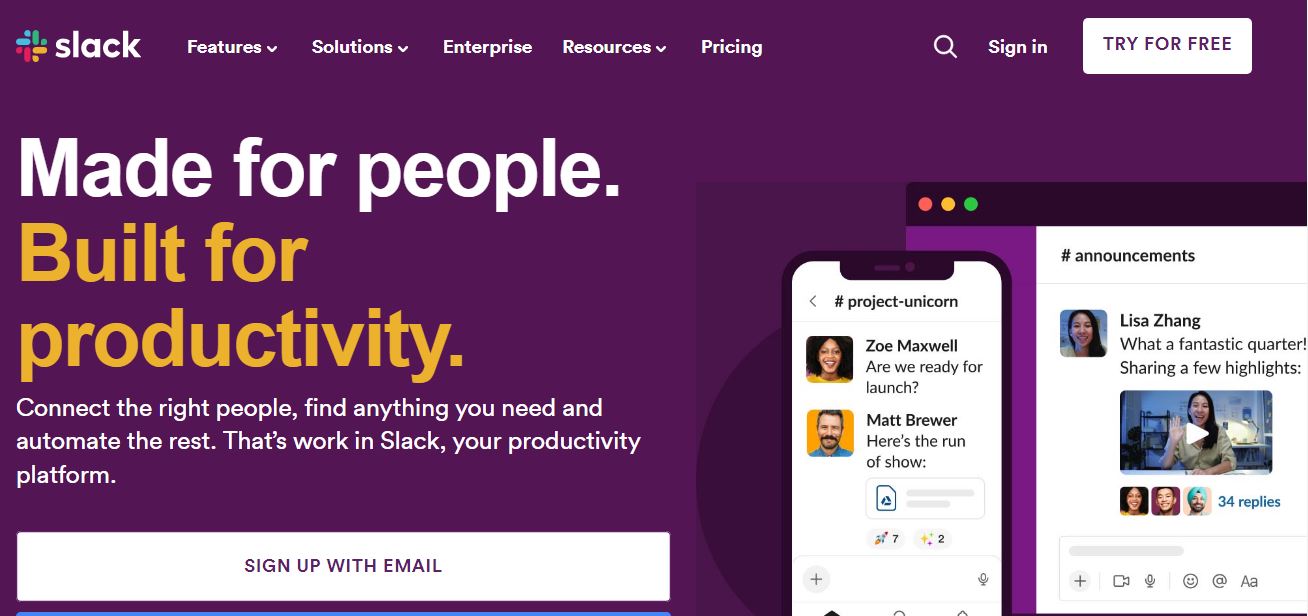
Slack is a dynamic communication platform tailored for digital workplaces, excelling in streamlining remote collaboration. It offers organized instant messaging through channels focused on specific topics or projects, facilitating precise and efficient team discussions. The platform integrates with various virtual collaboration tools like Google Drive and Trello, positioning itself as a central hub for all workplace communication needs.
Also, Slack features a sleek interface with customizable notifications and advanced search capabilities, making it easy to navigate and find essential information. It supports voice and video calls for more personal or detailed interactions. Prioritizing security, Slack ensures enterprise-grade protection for all communications and files, making it an ideal choice for teams prioritizing effective and secure remote collaboration.
Pros
-
Ability to create channels for different clients or projects
-
Real-time remote collaboration tool
-
Data within the platform is protected with strong security measures
-
Desktop and mobile app versions are available
Cons
-
Numerous notification options can be overwhelming
-
Lack of end-to-end encryption
3. Loom

Ratings: 4.7/5
Pricing: Starter (free), Business ($12.50/user/month), and Enterprise
Loom emerges as a dynamic collaboration tool for remote teams, offering a blend of video messaging capabilities to enhance asynchronous communication and productivity. It allows users to efficiently record and share video messages by combining screen recordings, webcam footage, and voiceovers. Also, the tool is known for its easy integration with popular platforms like Slack and Trello.
Moreover, using this tool, users can personalize their messages with captions, emojis, and links and control access through password protection and expiration dates. Its Chrome extension and desktop app further simplify the recording process, making it accessible without extensive setups. Loom's free plan, offering storage for up to 25 videos, represents a flexible team starting point.
Pros
-
Videos can be accessed anytime, enhancing flexibility
-
Simple interface for recording and editing
-
Provides analytics on viewer engagement
-
Improves engagement with interactive elements like calls-to-action in video meetings
Cons
-
Limited editing features in the free version
-
Privacy concerns with video content
4. Zoom
Ratings: 4.6/5
Pricing: Basic (free forever plan), Pro ($149.90/year/user), Business ($219/year/user), Business Plus, and Enterprise
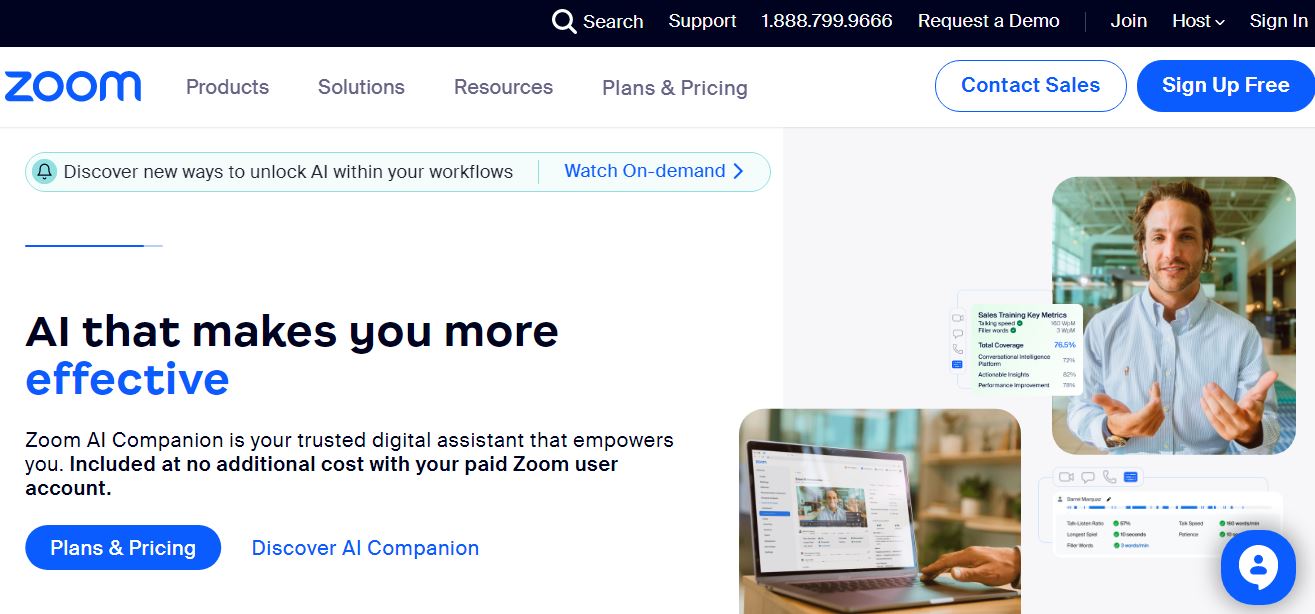
Zoom is one of the best remote collaboration tools for remote employees that caters to the diverse needs of various industries. Its key features support a broad spectrum of collaboration and communication needs. These include video conferencing options, team chat, and virtual whiteboards for online meetings. Zoom also integrates optional apps to boost team productivity and integrates Google Calendar to streamline scheduling.
Moreover, its features extend to breakout rooms for focused group discussions, screen sharing for enhanced project collaboration, and translated captions to bridge language gaps among global teams. Zoom also has advanced AI-driven tools like intelligent recording processing with highlights and summaries, conversation analytics, and AI-powered assistance for drafting chats to elevate the remote working experience.
Pros
-
Supports hybrid work environments with Zoom Rooms and Smart Gallery
-
Multi-language support
-
Compatibility with a wide range of devices
-
Tailored solutions for various industries
Cons
-
Lack of comment control
-
Participant limitations on paid plans for large meetings
5. Google Workspace
Ratings: 4.6/5
Pricing: Free (for 14 days), Business Starter ($6/user/month), Business Standard ($12/user/month), Business Plus ($18/user/month), and Enterprise
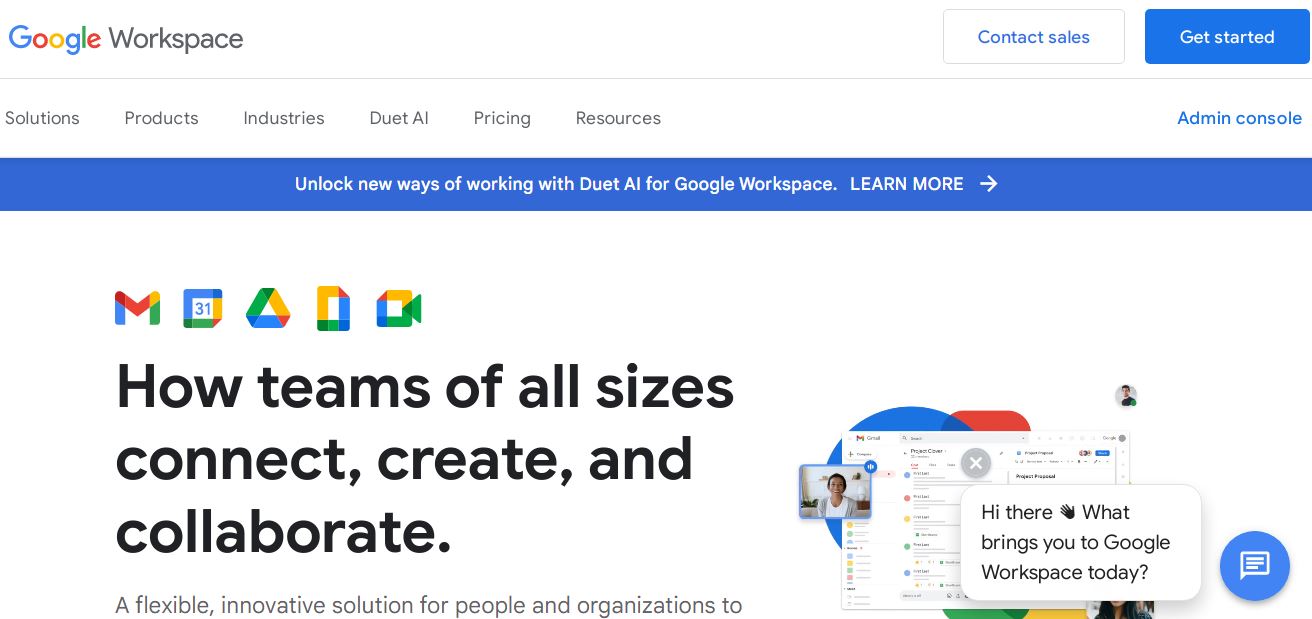
Google Workspace offers a seamless blend of communication and collaboration applications for remote work. Its key features include real-time collaborative editing in Google Docs, Sheets, and Slides. This alone can save the team members approximately 171 hours or 21 work days a year.%20saved%20per%20user%20per%20year) The Workspace also integrates with industry leaders like Okta and VMWare, providing secure access to office applications.
Beyond security, this platform promotes constant team communication via tools like Google Chat for real-time messaging and Google Sites for creating business websites. The suite also encompasses video conferencing through Google Meet, allowing for virtual meetings, remote events, and information broadcasting to large groups.
Pros
-
Integrates Google Calendar to schedule meetings seamlessly
-
AI-driven writing and grammar suggestions in Docs
-
Customizable email addresses with your domain
-
Scalable for businesses of all sizes
Cons
-
Data privacy concerns due to cloud-based storage
-
Integration with non-Google products can be challenging
6. Zapier
Ratings: 4.5/5
Pricing: Free, Starter ($19.99/month), Professional ($49/month), Team ($69/month), and Company
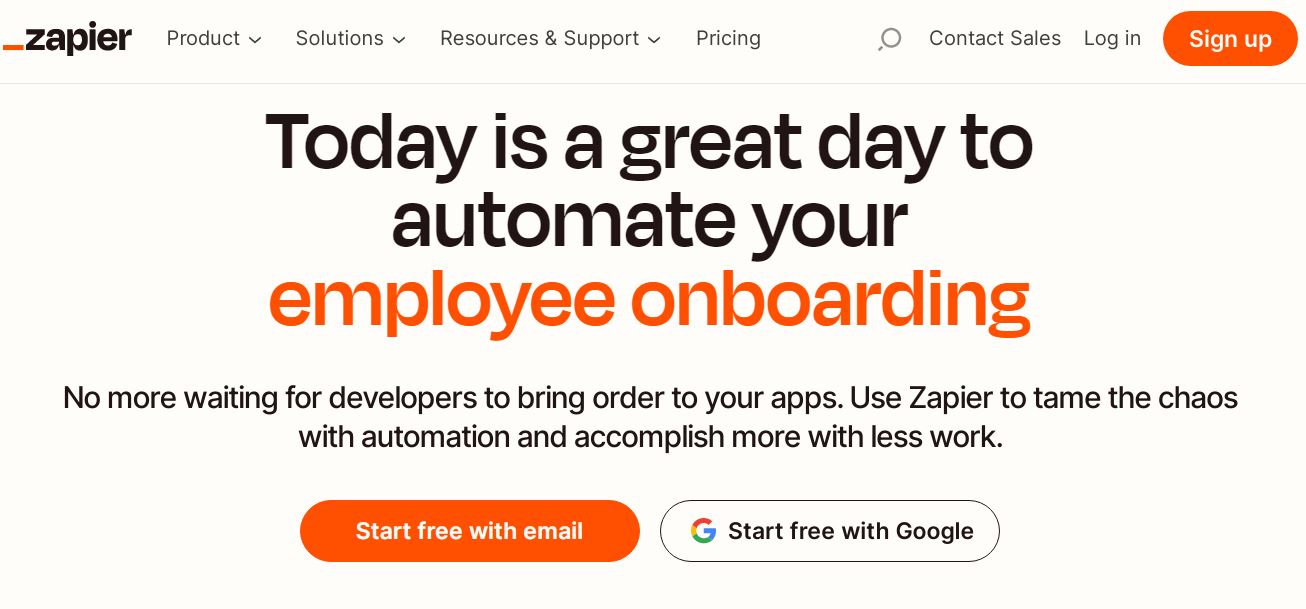
Zapier emerges as a pivotal tool for remote workers aiming to streamline their workflows and enhance collaboration. This platform specializes in connecting over 3,000 apps, such as Gmail, Slack, and Trello, enabling the automation of repetitive tasks. The essence of Zapier's utility lies in its ability to create seamless integrations that foster communication and efficiency across different applications.
By crafting automated workflows, known as Zaps, teams can automate tasks such as lead management, sales pipeline automation, marketing campaigns, customer support, and task management. This versatility supports various team functions, including marketing, sales, IT, and customer support, catering to businesses of all sizes, from startups to enterprises.
Pros
-
Customizable workflows
-
Reduces manual task repetition
-
Cross-platform connectivity
-
Access to a wide range of guides, forums, and professional help
Cons
-
Increased price for a high volume of tasks
-
Setting up intricate zaps can be challenging
7. Asana
 Ratings: 4.5/5
Pricing: Personal ($0), Starter ($10.99/user/month), Advanced ($24.99/user/month), Enterprise, Enterprise Plus
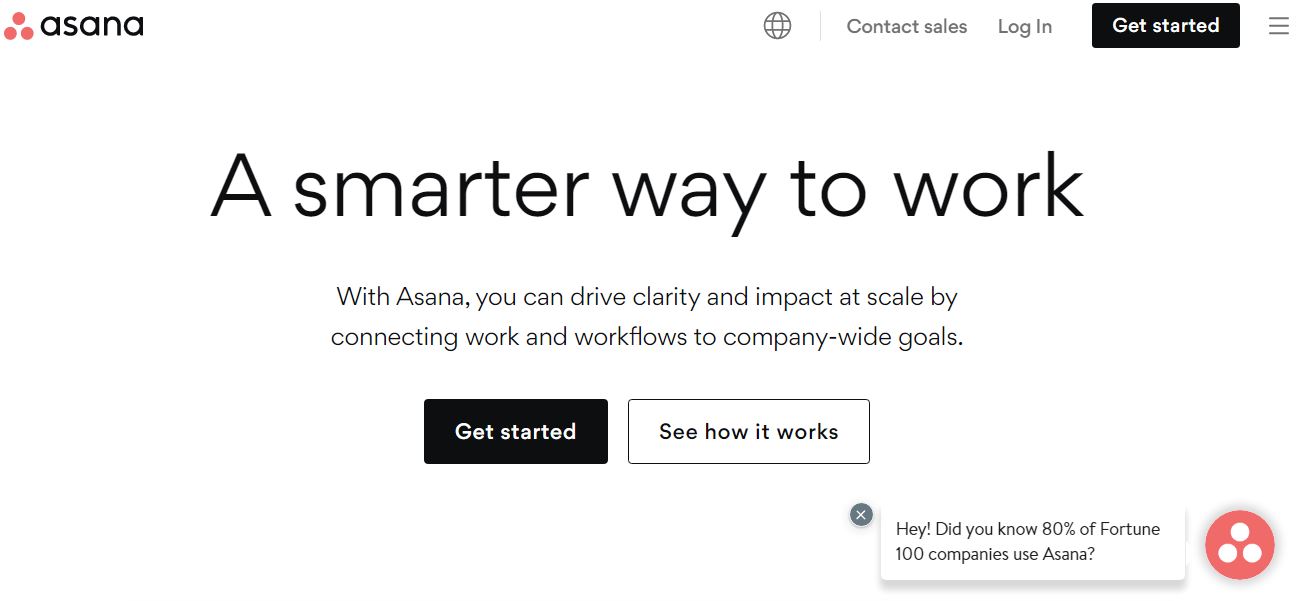
Asana is a vital tool for remote teams, designed to enhance collaboration, streamline project management, and foster clear communication. This platform offers a comprehensive suite of features, including work management, project tracking, and integration with over 200 external applications. The intuitive interface facilitates easy navigation and allows users to customize views according to their preferences.
One of the critical strengths of Asana is its automation features that help delegate tasks efficiently. Moreover, its reporting tools provide valuable insights into project progress, helping teams prioritize revenue-driving work. Additionally, Asana's Goals feature helps align team efforts with organizational objectives, making it easier to see how individual contributions fit into the bigger picture.
Pros
-
Customizable dashboards and reporting for project insights
-
Scalable solution that grows with your team's needs
-
Offers robust security features to protect data integrity
-
Easy tracking of project progress and milestones
Cons
-
Custom reporting and analytics are available only in higher plants
-
Integration setup can be complex for non-technical users
8. Dropbox

Ratings: 4.4/5
Pricing: Plus ($9.99/month), Essential ($18/month), Business ($20/user/month), and Business Plus ($26/user/month)
Dropbox offers a suite of features designed to enhance remote collaboration among teams. Dropbox Paper facilitates seamless teamwork by providing planning, production, and feedback templates that ensure all team members are aligned and informed. Moreover, this tool facilitates real-time collaborative editing, allowing different team members to work on documents simultaneously.
Also, Dropbox has introduced Dropbox Spaces, a virtual workspace aimed at centralizing collaboration, communication, and project coordination in one accessible location. Spaces streamline the work process by aggregating files, comments, and timelines, allowing teams to easily create tasks, manage schedules, and share project updates.
Pros
-
Secure password management
-
Integrates famous team collaboration tools like Zoom, Slack, etc.
-
Real-time syncing ensures up-to-date file access across devices
-
Offers robust data protection and recovery options for document management
Cons
-
Large file syncing may slow down on limited bandwidth
-
Limited search function
9. ProProfs Project

Ratings: 4.3/5
Pricing: Annual Plan ($39.97/month)
ProProfs Project is an intuitive online project management tool that allows users to easily create projects, assign tasks, set deadlines, and track real-time progress. It makes all these tasks possible from a centralized dashboard. Moreover, features like Gantt charts for planning and visualizing project timelines, shared calendars for scheduling, and file sharing for collaboration enhance the process of managing tasks.
The tool also supports time tracking and invoicing, making it easier for teams to manage project budgets and billable hours directly within the platform. ProProfs Project includes features that facilitate real-time discussions, allowing team members to share ideas, provide feedback, and resolve issues swiftly. It has a user-friendly interface requiring minimal training and ensuring quick adoption across teams.
Pros
-
Detailed reporting and analytic tools
-
Cloud-based platform for accessibility from anywhere
-
Intuitive drag-and-drop interface simplifies management of tasks
-
Offers a mobile app for managing projects on the go
Cons
-
Limited integration options
-
Needs more templates
10. Trello
Ratings: 3.8/5
Pricing: Free Plan, Standard Plan ($5/user/month), Premium Plan ($10/user/month), Enterprise Plan ($17.50/user/month)
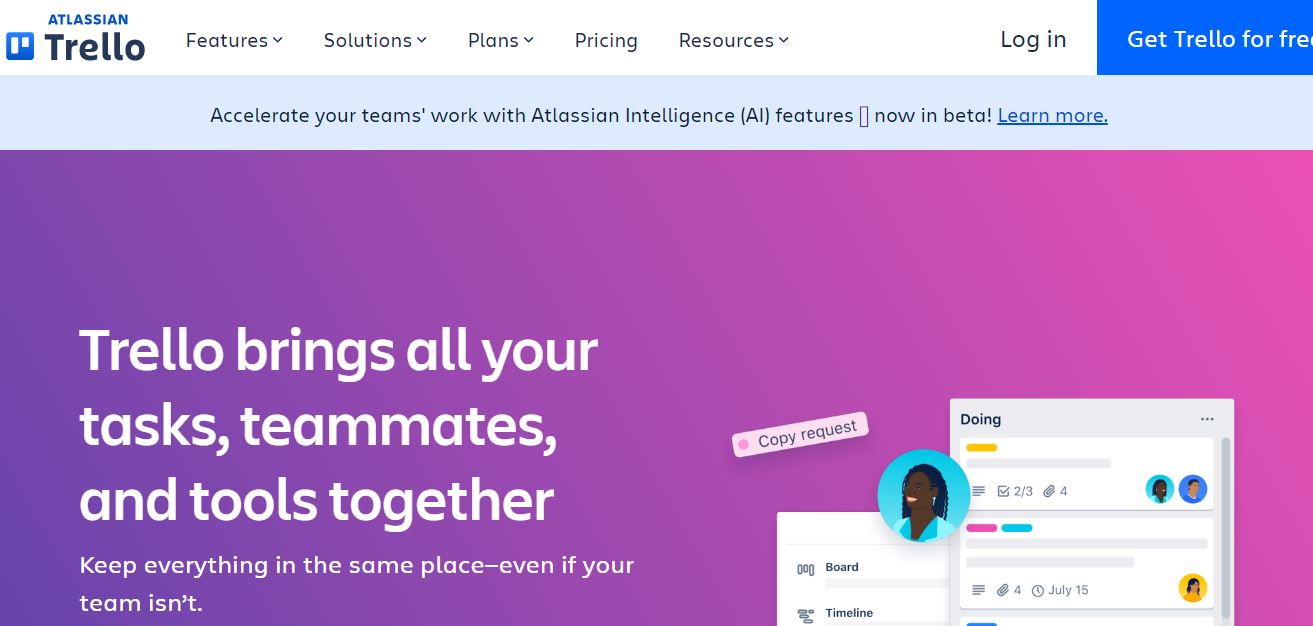
Trello is a robust online collaboration tool that offers a visual way to organize and prioritize work effectively across teams and projects. Its interface is based on the Kanban method, emphasizing workflow optimization. Creating boards, adding team members, and setting up cards are straightforward processes that allow detailed task assignments, including descriptions, due dates, and attachments.
It also offers advanced features like keyboard shortcuts for efficiency, colorful card covers for visual management of projects, and Butler automation to automate tasks without coding skills. Additionally, Trello integrates with numerous other remote working tools and services like Slack, Outlook, and Gmail, enhancing its utility as a central hub for team collaboration.
Pros
-
Offers advanced checklists for detailed task management
-
Accessible from multiple devices, enhancing mobility
-
Supports power-ups to extend functionality for specific needs
-
Easy sharing of boards with external stakeholders
Cons
-
Lack of direct communication features
-
Privacy settings can be tricky to manage in team environments
Work-Life Balance Jobs with Genuinely Reduced Hours
Save one to come back to it — it's free.


11. InVision
Ratings: 3.7/5
Pricing: Free, Starter ($15/month), Professional ($25/month), and Team ($99/month)
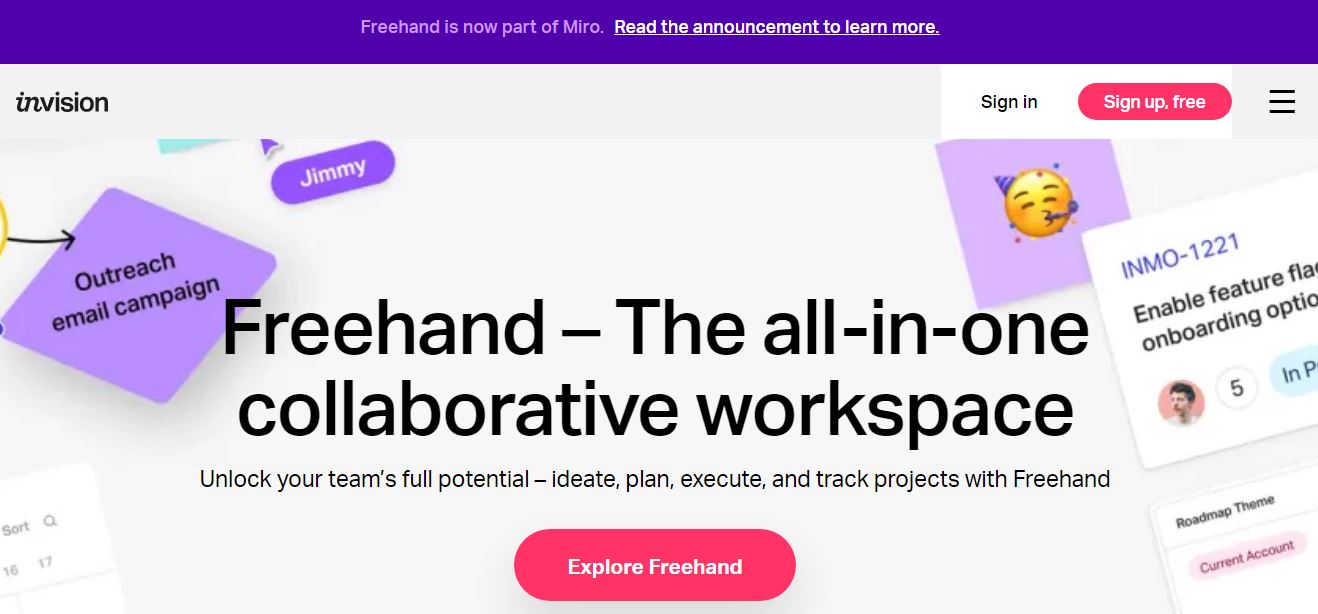
InVision is one of the best remote collaboration tools tailored for design teams, enabling them to create interactive, high-fidelity prototypes for web and mobile projects. It encompasses everything from prototyping to animation, wireframing, and vector-based design. This tool automates various aspects of the design process, allowing designers to focus on creativity and innovation.
Moreover, it seamlessly integrates feedback and changes in real-time. Further enhancing its features, InVision offers Freehand, an online whiteboard feature. It allows team members to sketch, draw, and brainstorm ideas in a shared space, making it perfect for initial ideation and presenting final designs. Also, the platform's emphasis on user experience and intuitive interface simplifies everything for those working remotely.
Pros
-
Seamless third-party integrations with other collaboration tools like Slack and Google Drive
-
Vector-based design functionality
-
Cloud-based platform for easy access from anywhere
-
Dedicated mobile app for on-the-go feedback and viewing
Cons
-
Limited collaborative editing
-
Managing and organizing user flows or screens in larger projects can be difficult
12. Basecamp
Ratings: 3.6/5
Pricing: Pro Unlimited ($299/month) and Per User ($15/month)
Basecamp is tailored for remote teams seeking a cohesive platform to manage projects, communicate, and collaborate effectively. Its main features include message boards for in-depth discussions, to-do lists for tracking work and responsibilities, and file storage for easy document access and collaboration. Moreover, there’s also a built-in real-time chat feature for swift communication.
The platform includes unique tools, like automatic check-ins, a Kanban-inspired Card Table for workflow visualization, and Hill Charts for a visual sense of project progress. Simply put, Basecamp centralizes project handling essentials in a user-friendly interface, offering a straightforward dashboard for projects, assignments, and schedules.
Pros
-
Flat monthly fee
-
Features like Campfire and Pings support group and private messaging
-
Minimal learning curve
-
A personal dashboard for each team member known as My Stuff
Cons
-
Not suitable for complex projects
-
Pricing may be higher compared to some alternatives
13. Monday.com
Ratings: 3.4/5
Pricing: Free ($0), Basic Plan ($9/seat/month), Standard Plan ($12/seat/month), Pro Plan ($19/seat/month), and Enterprise Plan
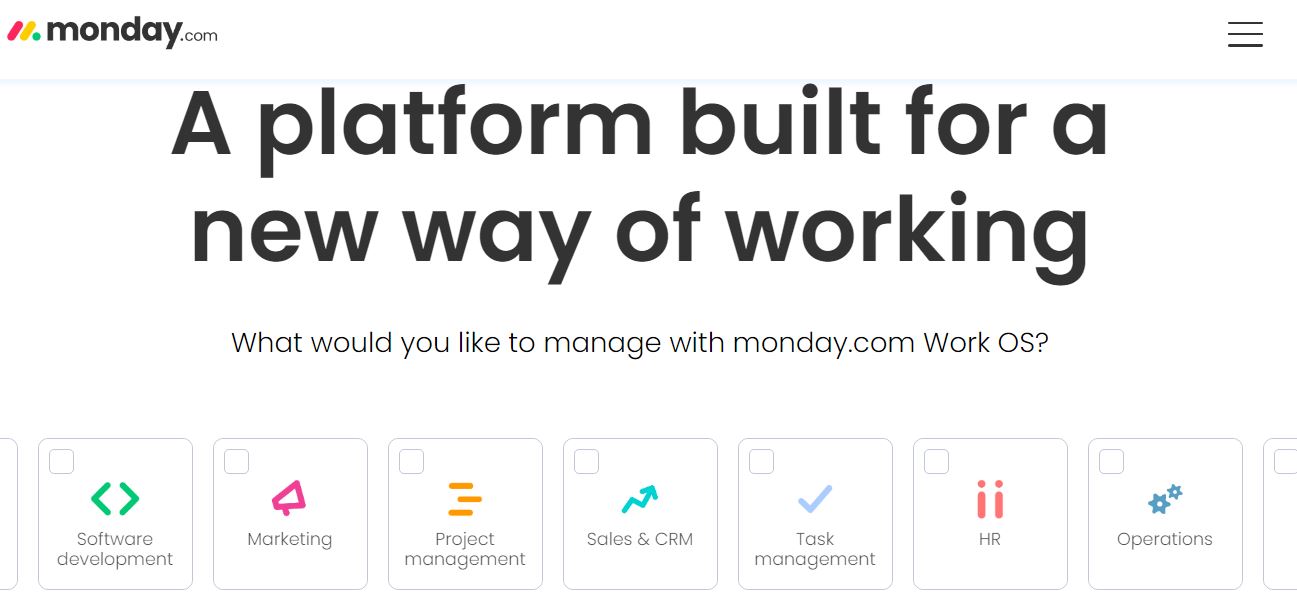
Monday.com is a versatile and best remote collaboration tool designed to address the challenges of teams working remotely. The tool facilitates effective management of tasks by allowing team members to create and assign tasks, set deadlines, and utilize Gantt charts for visual project planning. Moreover, it offers a dedicated Updates Section for ongoing project discussions.
Monday.com's automation of workflows and integration capabilities significantly streamline remote work processes. Teams can automate repetitive tasks and customize their workflows to suit their specific needs, thereby saving time and reducing the potential for errors. Additionally, it integrates with Slack for cross-platform communication and features Dashboards to keep the goals of the remote team in focus.
Pros
-
Mobile app for on-the-go access
-
Customizable notifications keep team members informed
-
User access levels can be tailored to the roles and needs of remote workers
-
Supports multiple project methodologies, including Agile and Scrum
Cons
-
Restricted task filtering
-
Limited offline functionality
14. ClickUp
Ratings: 3.3/5
Pricing: Free, Unlimited ($7/member/month), Business ($12/member/month), Enterprise
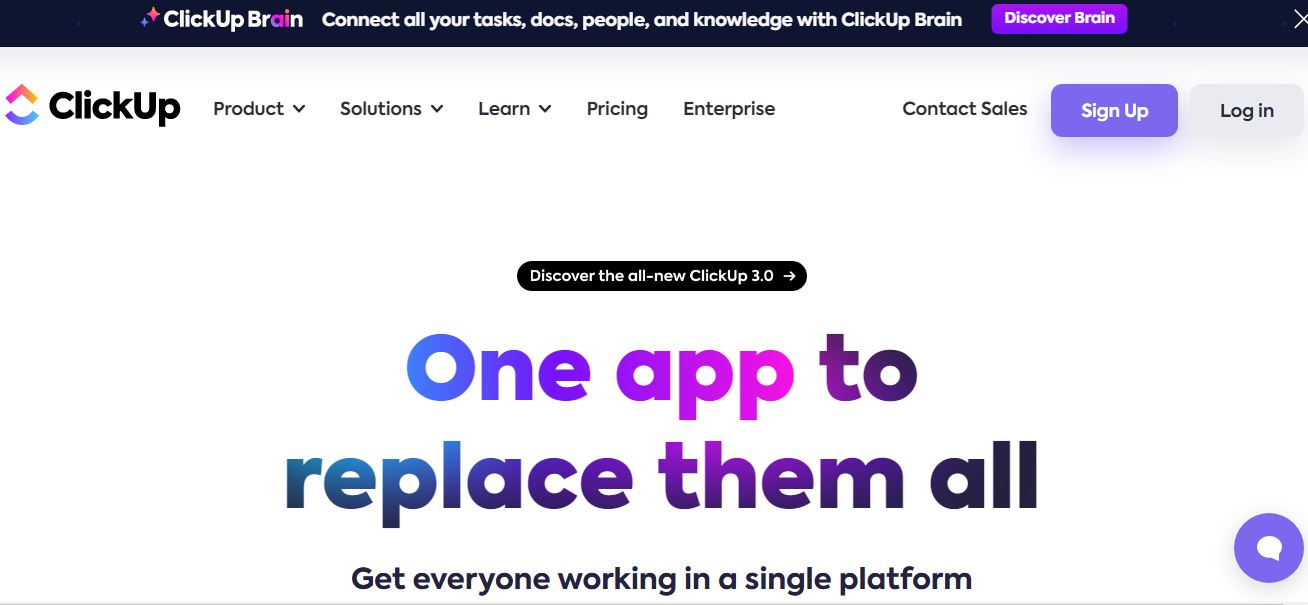
ClickUp is one of the best time management tools for remote collaboration, offering an all-in-one platform for project handling, document sharing, and team communication. It enables users to customize their work environment with over 15 views, including Lists, Boards, Gantt charts, and Calendars, to suit various project needs and preferences.
Moreover, it is renowned for its deep integration capabilities, connecting seamlessly with various collaboration tools and services such as Slack, Google Drive, Dropbox, and GitHub. ClickUp facilitates real-time collaboration, allowing team members to work simultaneously on documents, share feedback instantly through comments, and monitor tasks efficiently.
Pros
-
Features for task transparency, like a time-tracking tool and goal-setting
-
Intuitive interface designed for ease of use
-
Scalable solution suitable for teams of all sizes
-
Mobile app available for iOS and Android to access project management tools on-the-go
Cons
-
Lacks 24/7 live support
-
Occasional slowness in loading times
15. Notion
 Ratings: 3.2/5
Pricing: Free, Plus ($8/user/month), Business ($15/user/month), and Enterprise
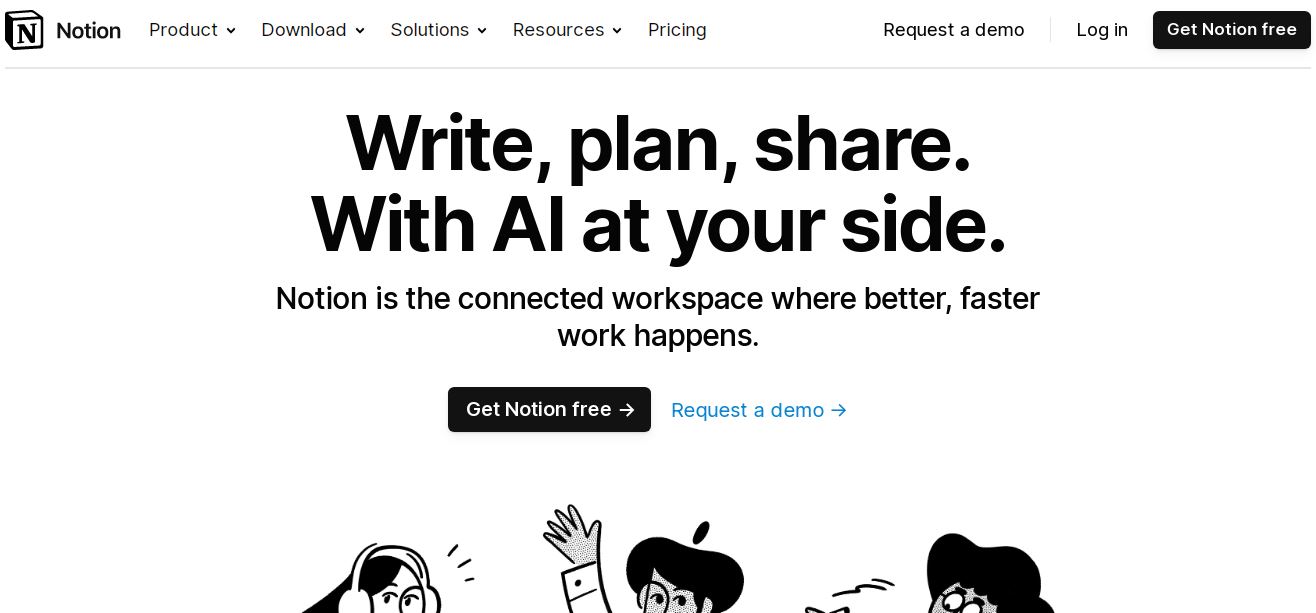
Notion is a comprehensive team collaboration software that empowers remote teams by centralizing notes, documents, and projects in a shared workspace. Its functionality is enhanced by features like the ability to @-mention colleagues for direct communication, discussion sections, and comments on content blocks. This tool stands out for its versatility in managing various types of content, including databases for meeting notes.
Furthermore, Notion integrates with popular calendar apps for seamless scheduling and event coordination. Moreover, it also supports Kanban boards and agile workflows for project tracking. The tool’s commitment to enhancing productivity is evident in its inclusion of detailed reports regarding time tracking and productivity, which help users optimize their workflows and manage their tasks more effectively.
Pros
-
Offline mode available
-
Granular control over who can view or edit different parts of the workspace
-
Advanced search to find specific notes, documents, and tasks
-
A wide array of templates to quickly set up new projects
Cons
-
Cluttered interface and navigation issues
-
Time tracking tools are limited to native time zone
16. Figma
Ratings: 3.1/5
Pricing: Starter (free version), Professional ($12/month), Organization ($45/month), and Enterprise ($75/month)
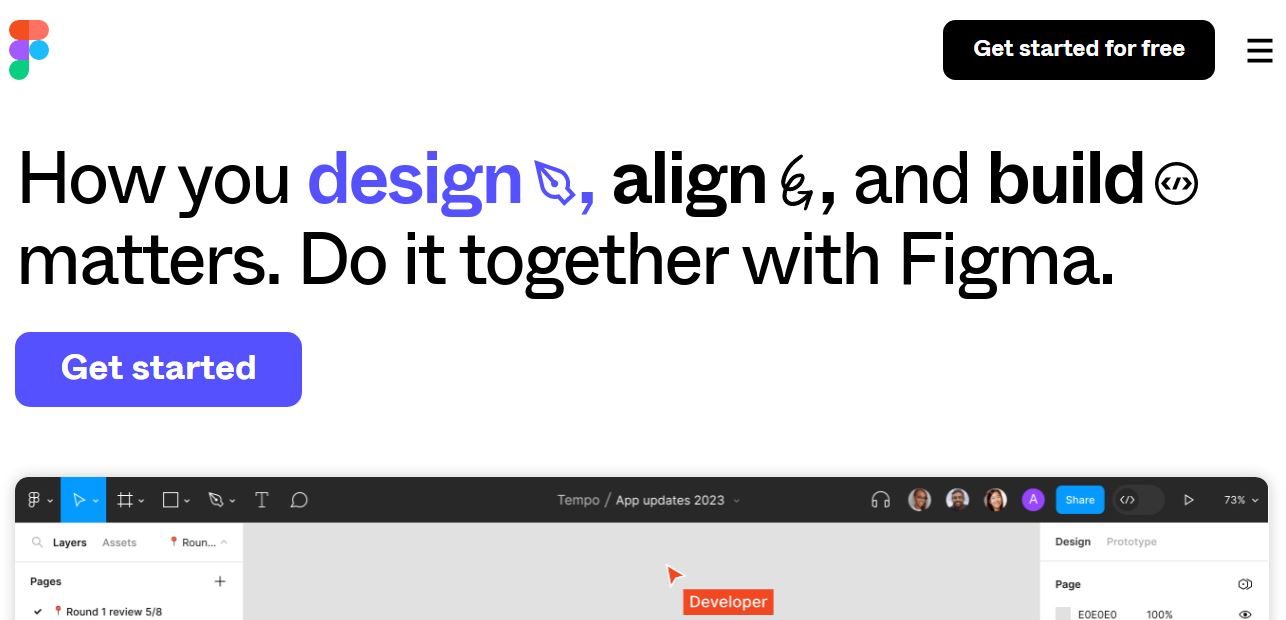
Figma stands out as one of the best virtual tools for remote teams, especially for those engaged in the design and development of digital products. It allows team members to edit, comment, and review designs simultaneously, making collaboration seamless. This is complemented by cursor chat, which enhances communication among remote team members by allowing them to send messages directly within the design file.
Figma allows developers and stakeholders to weigh in on design processes promptly. This inclusivity is crucial for projects requiring buy-in from various team members, such as UX/UI overhauls. Moreover, its numerous communication features, including the ability to leave comments and live audio chat within the design file, streamline the feedback process.
Pros
-
Version history to track changes
-
Observation mode for remote presentations or review sessions
-
Intuitive user interface
-
Wide range of plugins
Cons
-
No support for global colors
-
Search functionality is restricted to layer names or types
17. Mio
Ratings: N//A
Pricing: Free, Flex ($5/member/month), Pro ($1k/member/month), and Enterprise
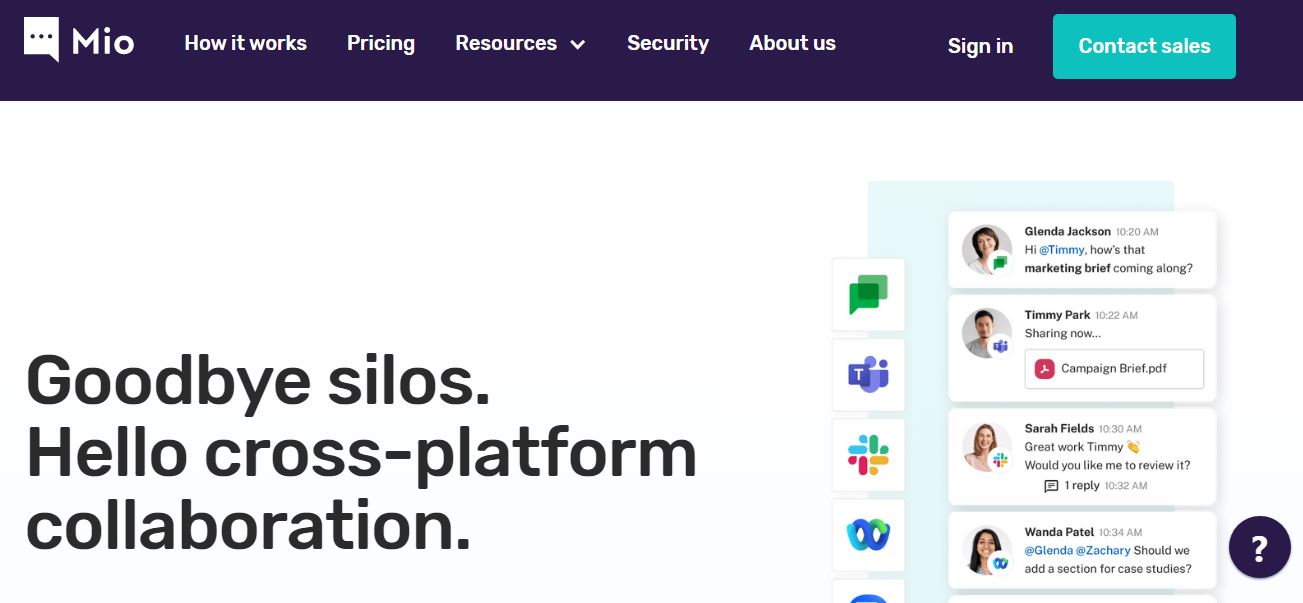
Mio is one of the best remote collaboration tools that enables seamless interoperability among popular messaging applications like Slack, Microsoft Teams, Google Chat, Webex, and Zoom Team Chat. Moreover, Mio offers advanced features like channel synchronization, allowing remote team members to collaborate in the same channel using different platforms.
This capability also extends to file sharing, where the tool ensures enterprise-grade security when sharing files, addressing concerns about data privacy in remote work. Overall, the tool is designed to eliminate the silos that often form in organizations using multiple communication tools.
Pros
-
Real-time message translation for multinational teams
-
Improves response times by aggregating messages in a single interface
-
Quick adoption with minimal training due to its intuitive interface
-
Provides analytics and insights on communication patterns
Cons
-
May require an initial setup and configuration effort
-
Dependency on third-party platforms for core functionality
Final Thoughts
Equipping teams with the correct remote collaboration tools is essential for maintaining productivity and fostering a cohesive work environment, even when miles apart. The above tools offer unique features to streamline communication, project management, and team engagement.
If you're embracing the remote work lifestyle and seeking opportunities that align with balanced workload management, our platform, 4DayWeek.io, is tailored for you. Explore our job board now to find a better opportunity that values efficiency and work-life balance!




Get 4-day week jobs in your inbox
Create a free account to receive curated opportunities weekly.
Sign up for freeFree forever. No spam, unsubscribe anytime.