
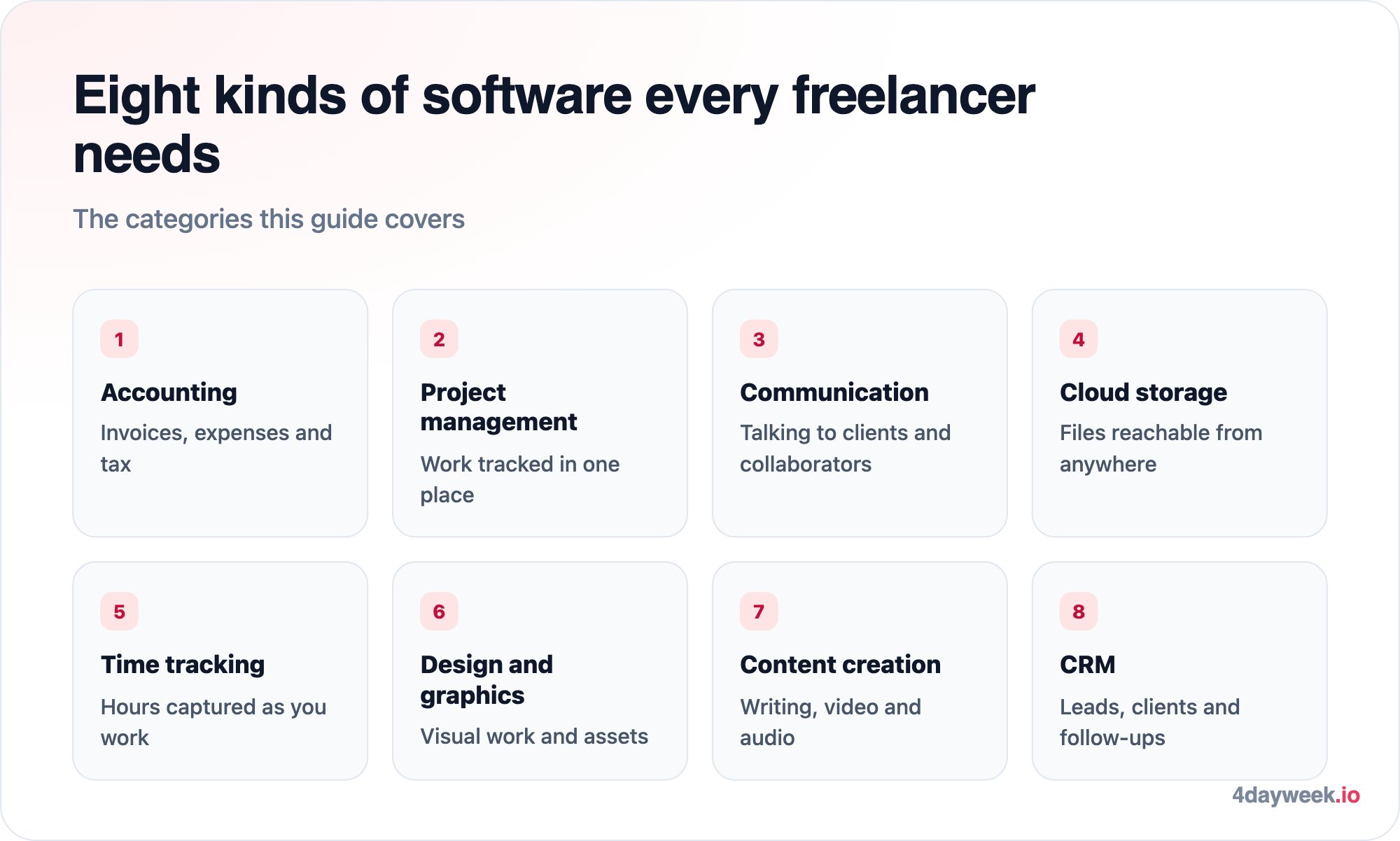
The most important thing for a freelancer is having the right tools to work with. The right tools at your fingertips provide the means to boost your productivity, become more efficient, and succeed both in the short and long term. Here's 8 tools every freelancer shouldn't live without:
1. Accounting Software
One of the biggest draws of freelancing is working for yourself and earning an income on your own terms. However, bookkeeping is still one of the most crucial functions of any business, even for freelancers. Keeping track of your money and managing expenses properly is essential.
This is where home accounting apps come in. Not all freelancers have a business management background, so using tools to assist with accounting is always a good idea.
Accounting apps offer a wealth of benefits, including tracking business expenditures, categorizing expenses, highlighting priorities, and even tracking investments made personally or by the business. They make it easier come tax season.
A mistake many freelancers make is not separating business finances from personal funds and other income. However, apps like Quickbooks, Freshbooks, or Xero help keep your finances organized. Knowing where every cent goes also simplifies tax processes.
2. Project Management Tools
Another essential skill for freelancers is managing their workload while balancing other responsibilities. As your freelance business grows and more clients request services, the workload can quickly become overwhelming, making it difficult to track and organize each task.
Project management software streamline this process, allowing you to focus on your work while the software takes care of the details—such as meeting deadlines, knowing which tasks are prioritized, or tracking sub-tasks within larger projects. Tools like Asana, Trello, and Basecamp help you keep your projects organized in one place.
These tools not only help manage your tasks but also facilitate collaboration with others, whether fellow freelancers or clients. Project management tools save time and reduce the need for long email chains or calls about small details. If you’re thinking about advancing your project management skills, you might find the Operations Manager Career Path or Product Owner Career Path insightful.
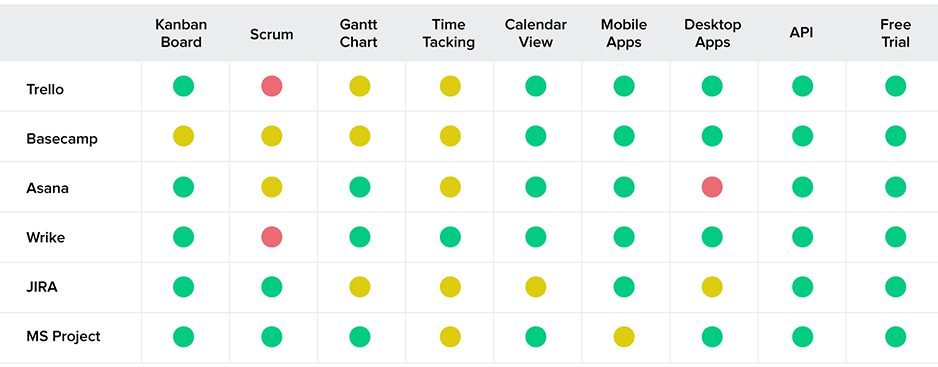 Source: Toptal
3. Communication and Collaboration Tools
Freelancing doesn’t always mean working alone. Many freelancers take on jobs that require teamwork or collaboration, such as writers working with editors or accountants needing a second set of eyes to review the books.
Due to differences in schedules or time zones, it isn’t always possible to meet collaborators in person. Communication and collaboration tools like Slack, Microsoft Teams, or Zoom bridge the gap and make communication much easier. Setting up a Zoom call can get results faster than email, while systems like Slack or Flock allow real-time check-ins, simulating an office environment. These tools also make it possible to train remote employees effectively, streamlining collaboration even further.
4. Cloud Storage Tools
Sharing important files used to be a challenge, especially large ones. In the past, emails had file size restrictions, making it nearly impossible to send large documents. This meant delivering documents by mail or plugging a USB stick into a colleague’s computer.
Cloud storage options like Dropbox, iCloud, and Google Drive have revolutionized file sharing, allowing seamless connections over great distances. These tools also save space on your PC and ensure that your work is backed up in case anything happens to your device. Cloud-based tools like Google Docs and Google Sheets make it easy for multiple people to collaborate on the same document in real time, even from different continents. This robust document management system also offers security.
5. Time Tracking Tools
Time management can be challenging when you work alone. Distractions are endless when working from home, and without proper time management, balancing tasks can become overwhelming.
Work-Life Balance Jobs with Genuinely Reduced Hours
Save one to come back to it — it's free.

Apps like To-Doist, Flock, Trello, and Microsoft To-Do help allocate a time frame for each task, while Clockify, Toggl, and RescueTime track your hours and provide a task-by-task log—essential if you charge clients by the hour. These tools not only improve your time management but also help you identify which tasks take longer, enabling you to create more realistic deadlines.
6. Design and Graphics Tools
When trying to win over a client, it helps to have creative presentations that showcase your abilities in a clear yet eye-catching way. Many design tools can assist with this, from creating business cards to designing packaging for your products.
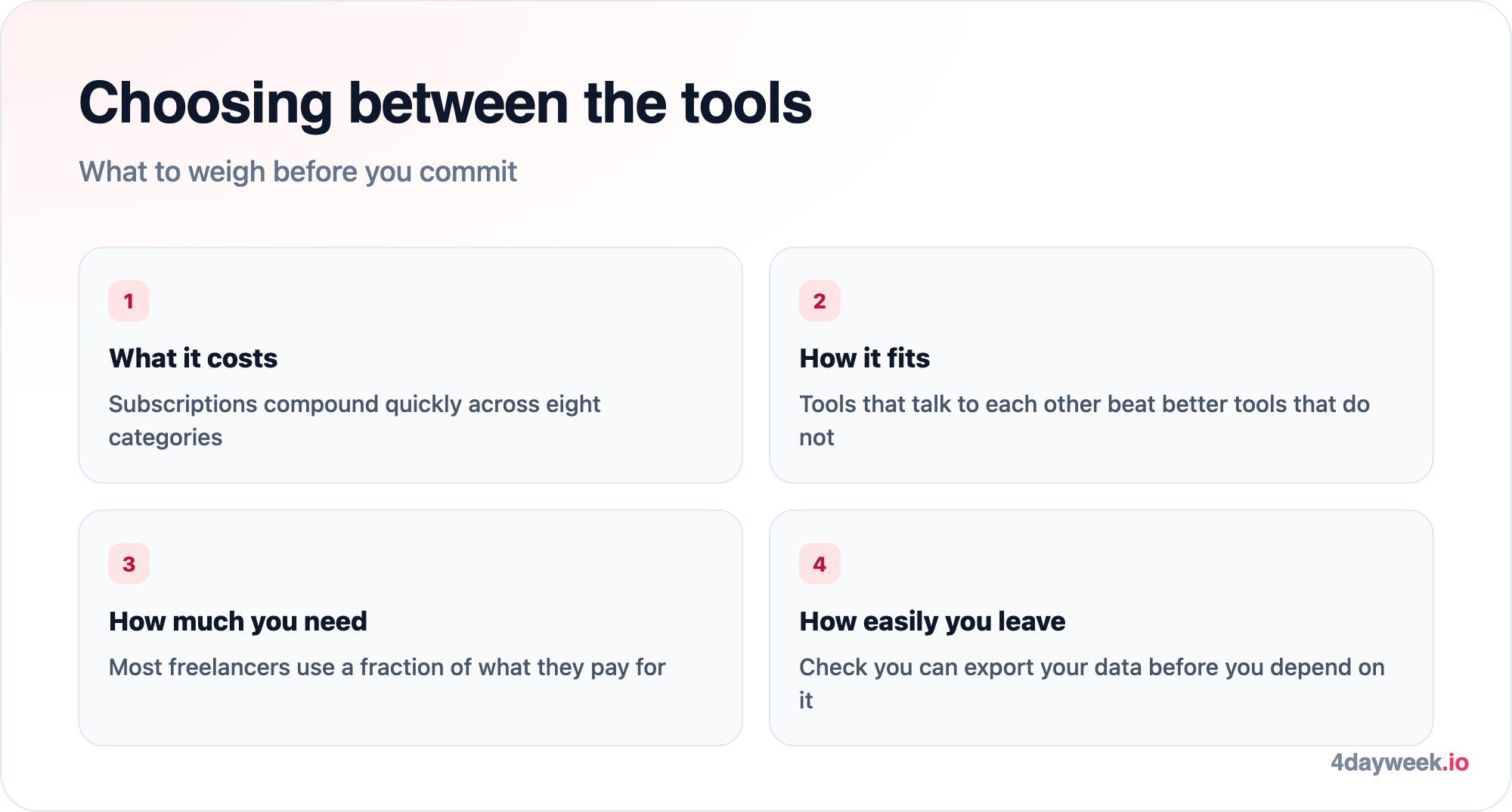
Free tools like Canva or paid subscriptions to Adobe Creative Suite can help you present your brand in the best possible way. Investing in these tools ensures that you always have the right resources at your fingertips, whether you’re designing a logo or a detailed client presentation.
7. Content Creation Tools
A good writing tool like Google Docs, Microsoft Word, or WordPress allows you to create quality content and even publish it for potential clients to see online. These tools help you present yourself professionally, offering spelling and grammar checks to ensure your writing is polished. A well-written blog or self-advertisement will market itself. With platforms like WordPress, you can also optimize your content to reach a wider audience.
8. Customer Relationship Management Tools
Once you’ve built your client base, it’s essential to maintain professional and effective communication. Tools like Hubspot, Salesforce, and Zoho CRM help you stay in touch with clients without overwhelming them. These tools ensure that you communicate appropriately throughout the project and update clients when necessary. Third party add-ons to these tools, such as Add to CRM, also make it faster and easier to use your CRM.
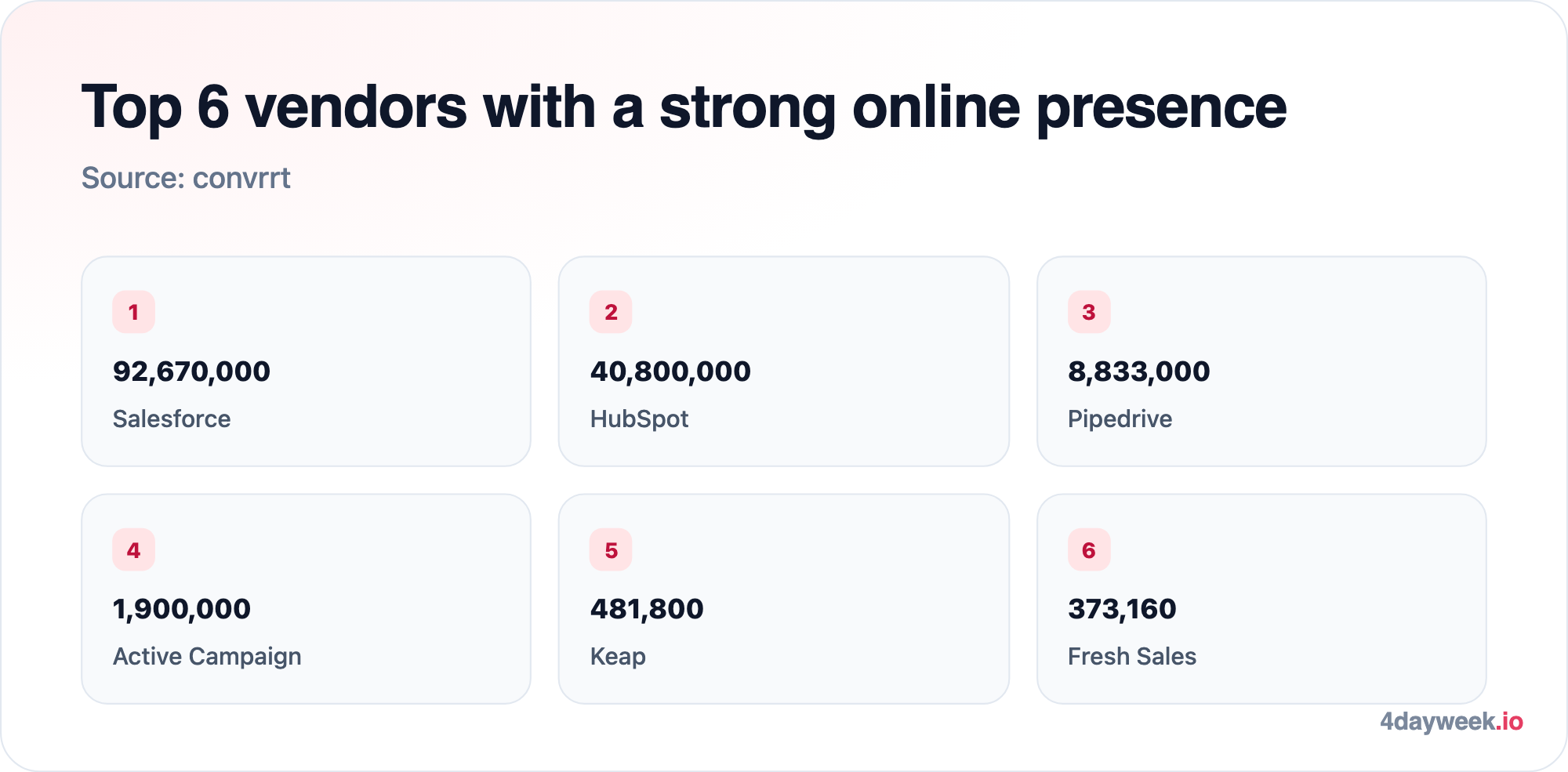 Source: Convrrt
Conclusion
Freelancing requires hard work, commitment, and perseverance. By using these tools and maximizing their benefits, freelancers can improve productivity, build stronger client relationships, and deliver work on time. If you’re considering how to optimize your workflow or even switch to a more flexible schedule, why not consider working a 4 day work week?




Get 4-day week jobs in your inbox
Create a free account to receive curated opportunities weekly.
Sign up for freeFree forever. No spam, unsubscribe anytime.